
WhatsApp account hacking has become one of the most common online scams in Pakistan. Scammers call pretending to be from a courier company, a bank, the PTA or even a relative, and trick people into sharing the 6-digit code. Once they have it, they take over the account and ask your contacts for money. This guide explains how to protect your WhatsApp from hacking and what to do if it happens.
- Turn on Two-Step Verification with a 6-digit PIN.
- Never share the 6-digit WhatsApp code with anyone, for any reason.
- Add an email address to your WhatsApp account for recovery.
- Check Linked Devices regularly and log out of unknown sessions.
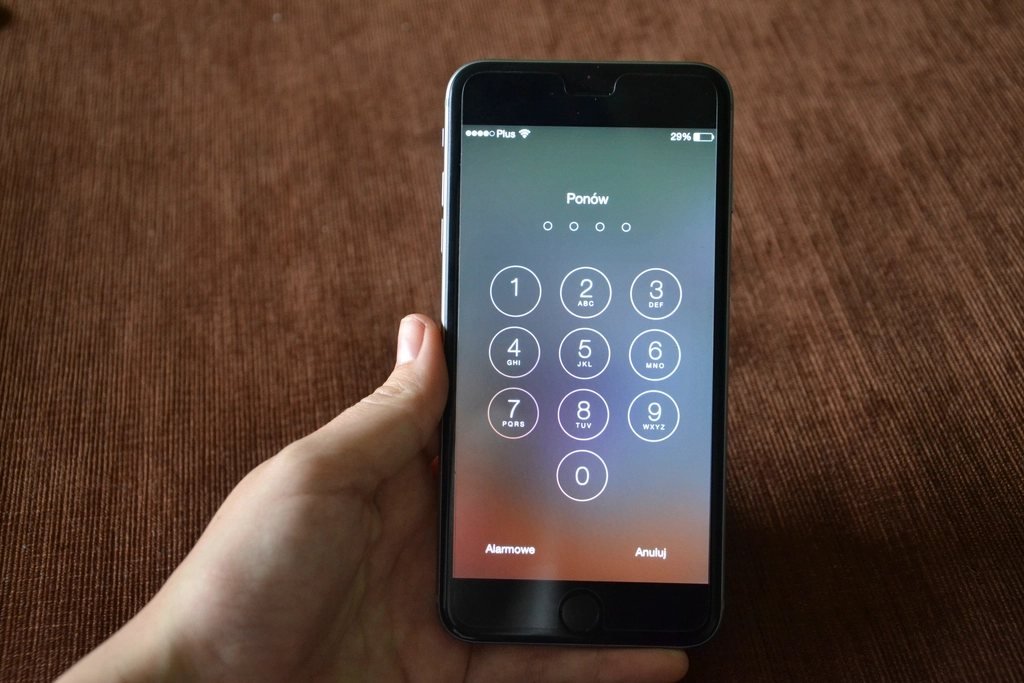
How WhatsApp Accounts Get Hacked
- Code-sharing scams: A caller says “we sent you a code by mistake, please tell it to us”. That code is your WhatsApp registration code.
- Fake prize or lucky draw messages asking you to “verify” your number.
- Fake bank, PTA or courier calls asking for codes or personal details.
- WhatsApp Web hijacking: someone with brief access to your phone scans a QR code and links your account to their computer.
- Voicemail attacks: scammers request a voice-call verification and access your voicemail if it has no PIN.
Step-by-Step: Secure Your WhatsApp
1. Turn on Two-Step Verification
- Open WhatsApp and go to Settings → Account → Two-step verification.
- Tap Turn on and create a 6-digit PIN you will remember.
- Add an email address so you can reset the PIN if you forget it.
2. Use a Passkey or Screen Lock
Newer versions of WhatsApp let you add a passkey (fingerprint, face or screen lock) under Settings → Account → Passkeys. Also turn on App lock under Settings → Privacy so nobody can open WhatsApp on your phone.
3. Check Linked Devices
Go to Settings → Linked devices. If you see a computer or browser you don’t recognise, tap it and choose Log out.
4. Tighten Privacy Settings
- Set Groups to “My contacts” so strangers can’t add you to scam groups.
- Turn on Silence unknown callers.
- Hide Last seen and profile photo from people not in your contacts.
What to Do If Your WhatsApp Is Hacked
- Re-install WhatsApp and log in with your number. Enter the 6-digit SMS code you receive; this logs the hacker out.
- If two-step verification was set by the hacker, you may need to wait before you can log in again. Keep trying to verify your number.
- Immediately warn your contacts through SMS, other apps or a status post that your account was hacked.
- Email WhatsApp support from the app (Settings → Help) with “Lost/Stolen: Please deactivate my account” and your number in international format.
- Report the fraud to the FIA’s cybercrime wing (now handled by the National Cyber Crime Investigation Agency) through their official complaint portal or helpline.
Frequently Asked Questions (FAQs)
Can someone hack WhatsApp with just my number?
Not without the 6-digit verification code. That is why scammers try to trick you into sharing it. With two-step verification on, they would also need your PIN.
Does WhatsApp ever call for verification?
No. WhatsApp staff will never call or message you asking for your code or PIN.
How do I know if someone is using my WhatsApp?
Check Linked devices for unknown sessions, and look for messages you didn’t send or chats marked as read that you didn’t open.
Conclusion
Most WhatsApp hacks in Pakistan happen because people share their verification code. Turn on two-step verification today, never share codes with anyone, and check your linked devices regularly. Share this guide with your family, especially older relatives who are common targets.