
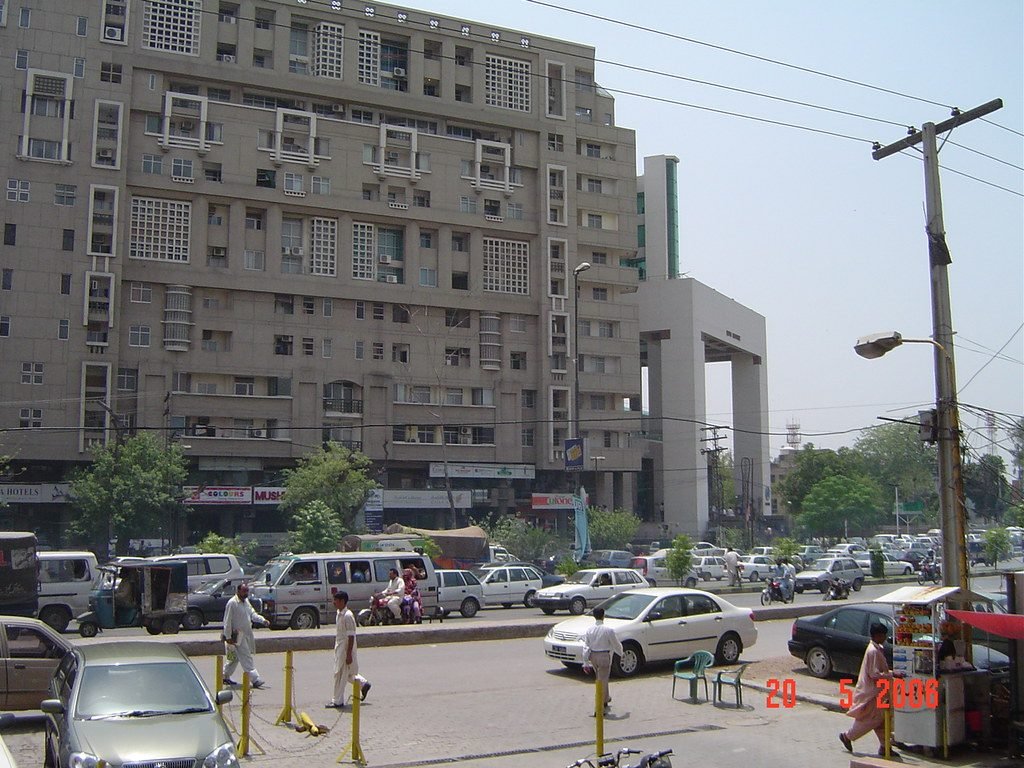
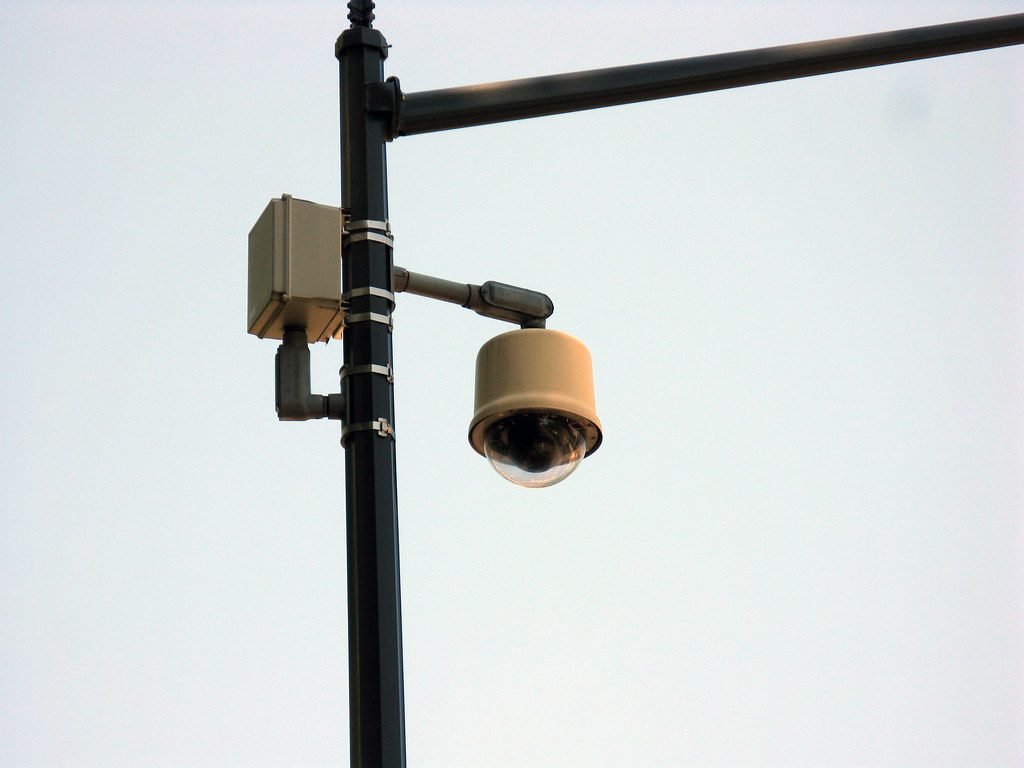
Safe City cameras now watch most main roads in Lahore and several other Punjab cities, and an e-challan can arrive by SMS or post days after you jump a signal or ride without a helmet. Many drivers only find out about old fines when they try to sell or transfer their vehicle. This guide explains the e-challan check online process for Punjab step by step, how to pay it, how to contest a wrong challan, and what options exist in Islamabad and Karachi.
It takes less than two minutes to check, so it is a good habit to do it every month, especially if your car or bike is driven by family members or a driver.
What Is an E-Challan?
An e-challan is an electronic traffic ticket generated when a camera records a violation such as signal breaking, over-speeding, lane violation, or riding without a helmet. In Punjab, the Punjab Safe Cities Authority (PSCA) runs the cameras and the e-challan system together with the traffic police. The challan is linked to the registration number of the vehicle, so the registered owner is responsible for paying it.
- You usually receive an SMS on the mobile number linked to the vehicle owner’s CNIC.
- A printed challan with the photo may also be posted to the address on the registration record.
- Each challan has a unique PSID (Payment Slip ID) used for payment.
E-Challan Check Online in Punjab: Step-by-Step
| Step | What to do |
|---|---|
| 1 | Open the official PSCA e-challan website (echallan.psca.gop.pk) in your browser |
| 2 | Enter your vehicle registration number exactly as on the number plate (e.g., LEA-1234) |
| 3 | Enter the owner’s CNIC number without dashes |
| 4 | Press search to see all pending challans, with date, place, violation and amount |
| 5 | Open a challan to see the camera photo and note the PSID for payment |
If no challan appears, it means no pending e-challan is linked to that vehicle at the moment. Remember that a newly recorded violation can take a few days to appear.
Only use the official government website or app. Fake “challan check” links shared on WhatsApp may ask for card details or install harmful apps.
How to Pay Your E-Challan in Punjab
Once you have the PSID, you can pay in several ways:
- Mobile wallets: JazzCash and Easypaisa (look for e-challan or government payments, then enter the PSID).
- Banking apps: most bank apps support government payments through PSID / 1Bill.
- ePay Punjab app: the Punjab government’s official payment app for taxes and challans.
- Bank branches: including Bank of Punjab and other designated banks.
- Traffic police offices or facilitation centres in your city.
Keep the payment receipt or screenshot. It can take a little time for the status to change to “paid” on the website.
Traffic Fines in Punjab (2026, Approx.)
Punjab revised many traffic fines in 2026. The amounts below are approximate and can change, so confirm on the official challan.
| Violation | Motorcycle | Car (up to 2000cc) | Commercial vehicle |
|---|---|---|---|
| Riding without helmet | About Rs. 2,000 | – | – |
| Wrong way / one-way violation | About Rs. 2,000 | Higher than bikes | Higher |
| Driving without licence | About Rs. 2,000 | Higher | About Rs. 5,000 |
| Signal violation | About Rs. 1,000 | About Rs. 3,000 | About Rs. 5,000 |
| Lane violation | About Rs. 1,000 | About Rs. 2,000 | Higher |
| Smoke-emitting vehicle | About Rs. 1,000 | About Rs. 3,000 | Higher |
Fines are approximate for October 2026; confirm the exact amount on the PSCA e-challan website or with Punjab Traffic Police.
E-Challan Check in Islamabad and Karachi
Islamabad
Islamabad Traffic Police (ITP) issues e-challans through Safe City cameras in the capital. You can check them on the ITP website’s e-challan section or through the official ITP mobile app using your vehicle number or CNIC.
Karachi and Sindh
Sindh Police introduced a faceless e-ticketing system in Karachi in late 2025, known as TRACS, with cameras that issue e-challans automatically. Citizens can check and pay through the official Sindh Police channels and the TRACS citizen app. Fines in Karachi have been set higher than in many other cities, so check carefully.
Other provinces
Khyber Pakhtunkhwa and Balochistan are expanding camera-based systems in big cities. Follow official police social media pages for updates.
How to Contest a Wrong E-Challan
- Check the photo carefully: is it really your vehicle and number plate?
- If your plate was copied (a fake plate), report it to the police and keep proof of where your vehicle was at that time.
- If you sold the vehicle but it is still registered in your name, complete the transfer at the Excise office quickly.
- Use the complaint or objection option on the official e-challan portal, or visit the traffic police office with your CNIC and registration book.
Tips to avoid challans
- Always wear a helmet, including the passenger.
- Respect the stop line at signals.
- Stay in your lane and use indicators.
- Keep your licence and documents updated.
- Get your vehicle checked if it emits smoke.
FAQs about E-Challan Check Online
How can I check my e-challan online in Punjab?
Visit the official PSCA e-challan website, enter your vehicle registration number and the owner’s CNIC, and you will see all pending challans.
What happens if I do not pay an e-challan?
Unpaid challans stay on record and can cause problems when you transfer the vehicle or deal with the traffic police. Late payment can also add penalties.
Can I pay my e-challan with JazzCash or Easypaisa?
Yes, use the PSID from the challan in the government payments section of the app.
I got a challan for a vehicle I sold. What should I do?
Contact the buyer to complete the transfer, and file a complaint with your sale documents. Until the transfer is done, the registered owner is responsible.
How long does an e-challan take to appear online?
It usually appears within a few days of the violation.
Have you had a good or bad experience with e-challans in your city? Share it in the comments below to help other drivers.