
With long load shedding hours and busy days, a phone that dies by afternoon is a real problem. Here are 15 proven tips to increase your phone battery life and keep your battery healthy for years on both Android and iPhone.
Table of Contents
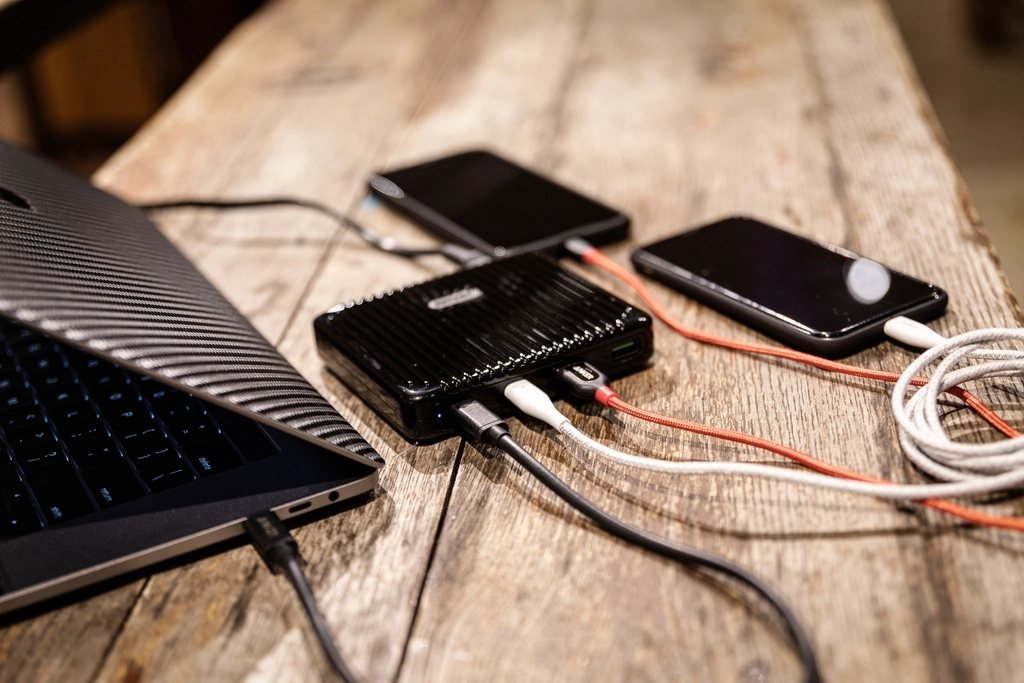
Settings That Save Battery
- Lower screen brightness or use auto-brightness.
- Use dark mode; it saves power on AMOLED/OLED screens.
- Reduce screen timeout to 30 seconds.
- Turn on battery saver when below 20–30%.
- Limit background app activity for apps you rarely use.
- Turn off Bluetooth, GPS and hotspot when not needed.
- Use Wi-Fi instead of mobile data where possible; weak 4G/5G signals drain battery.
- Reduce refresh rate from 120Hz to 60Hz if your phone allows.
- Turn off unnecessary notifications.
- Update your phone software and apps for battery optimisations.
Healthy Charging Habits
- Keep the battery between 20% and 80% when possible.
- Use the original or certified charger; cheap chargers can damage the battery.
- Avoid charging in very hot places (like a car dashboard in summer).
- Turn on optimised/adaptive charging if available.
- Remove thick covers if the phone gets very hot while charging.
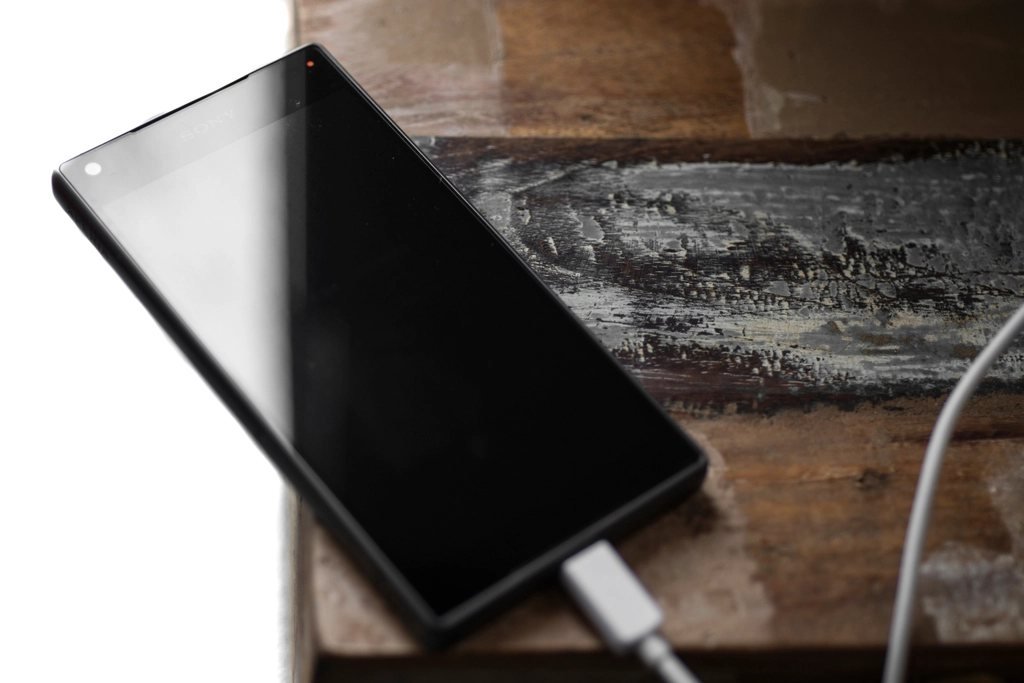
Signs Your Battery Needs Replacement
- Phone shuts down at 20–30%
- Battery drains very fast even with light use
- Phone gets unusually hot
- Battery looks swollen (stop using it and get it replaced immediately)
Frequently Asked Questions (FAQs)
Is it bad to charge my phone overnight?
Modern phones manage charging well, especially with optimised charging turned on. Still, avoid heat and use a good charger.
Does dark mode save battery?
Yes, on phones with AMOLED or OLED screens.
Should I let my battery drop to 0%?
No. Regular deep discharges are not good for lithium batteries. Try to charge before it drops very low.
Conclusion
Small changes like lower brightness, dark mode and good charging habits can add hours to your battery life and extend your battery’s lifespan by years.